PS5 Storage Expansion Explained: What Drives Actually Work
This is one of the most common expensive mistakes PS5 owners make: buying an NVMe SSD that's excellent for a PC but doesn't meet Sony's specific console…
This is one of the most common expensive mistakes PS5 owners make: buying an NVMe SSD that's excellent for a PC but doesn't meet Sony's specific console requirements.
The exact official requirements
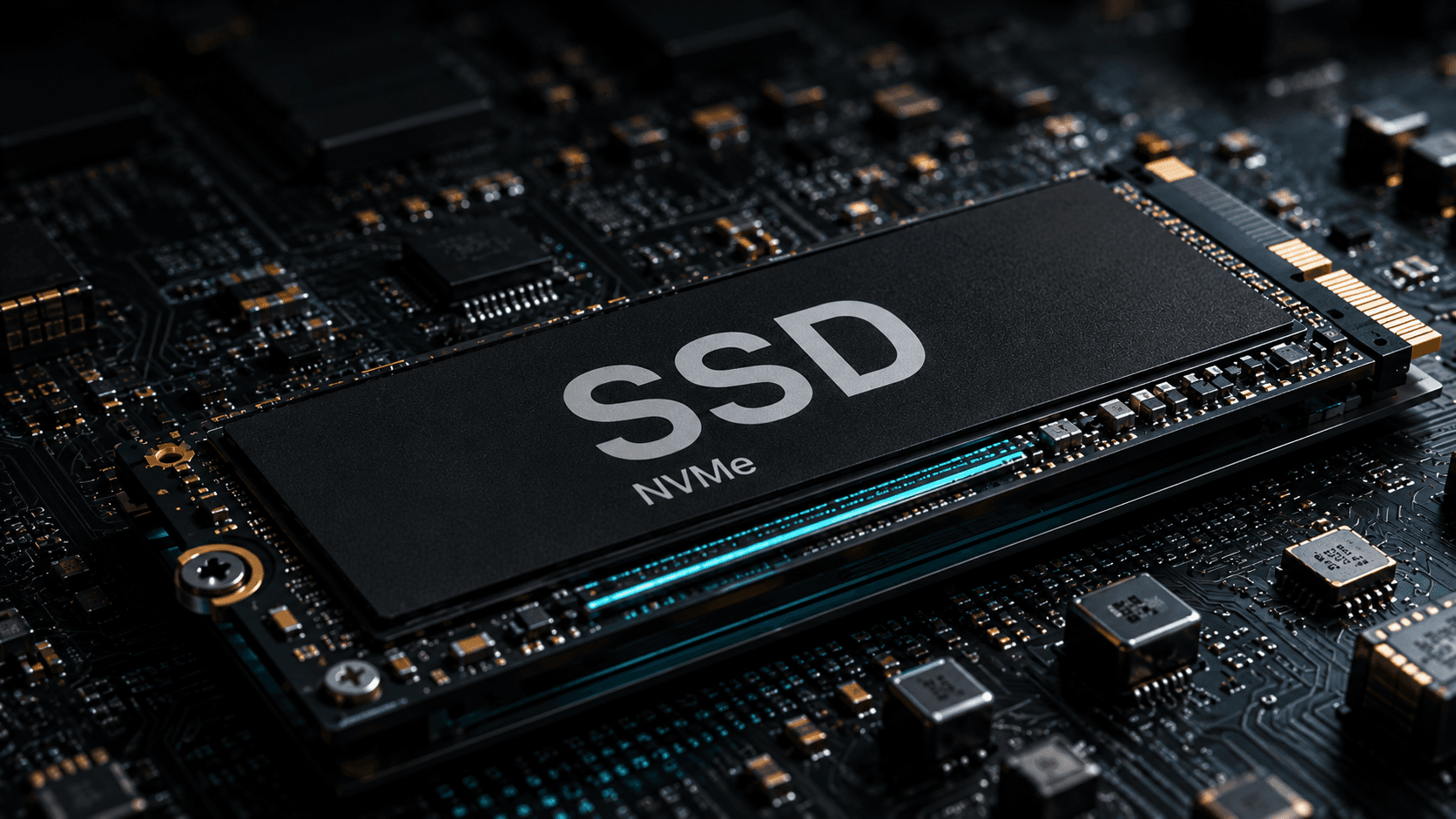
- **Interface:** PCIe Gen4 x4 NVMe SSD (Key M / Socket 3). Gen5 drives work but are capped at Gen4 speeds — you get zero benefit from the premium.
- **Sequential read speed:** 5,500 MB/s or faster. This is Sony's stated minimum.
- **Capacity:** 250GB to 8TB.
- **Form factor:** 2230 through 22110 supported, but **2280 is the common one** and what nearly every PS5-marketed drive uses.
- **Heatsink is mandatory, not optional.** Sony's documentation is explicit: do not use an M.2 SSD without a heat-dissipation mechanism.
- **Maximum size including heatsink:** width up to 25mm, total thickness up to 11.25mm. This is the spec that catches people out — some oversized RGB PC heatsinks are physically too tall for the PS5's bay.
Practical shopping advice
Look for a drive explicitly marketed as PS5-compatible — reputable ones sell PS5-specific bundles that already meet the heatsink height limit. If buying bare drive and heatsink separately, check the heatsink height against the 11.25mm limit before ordering.
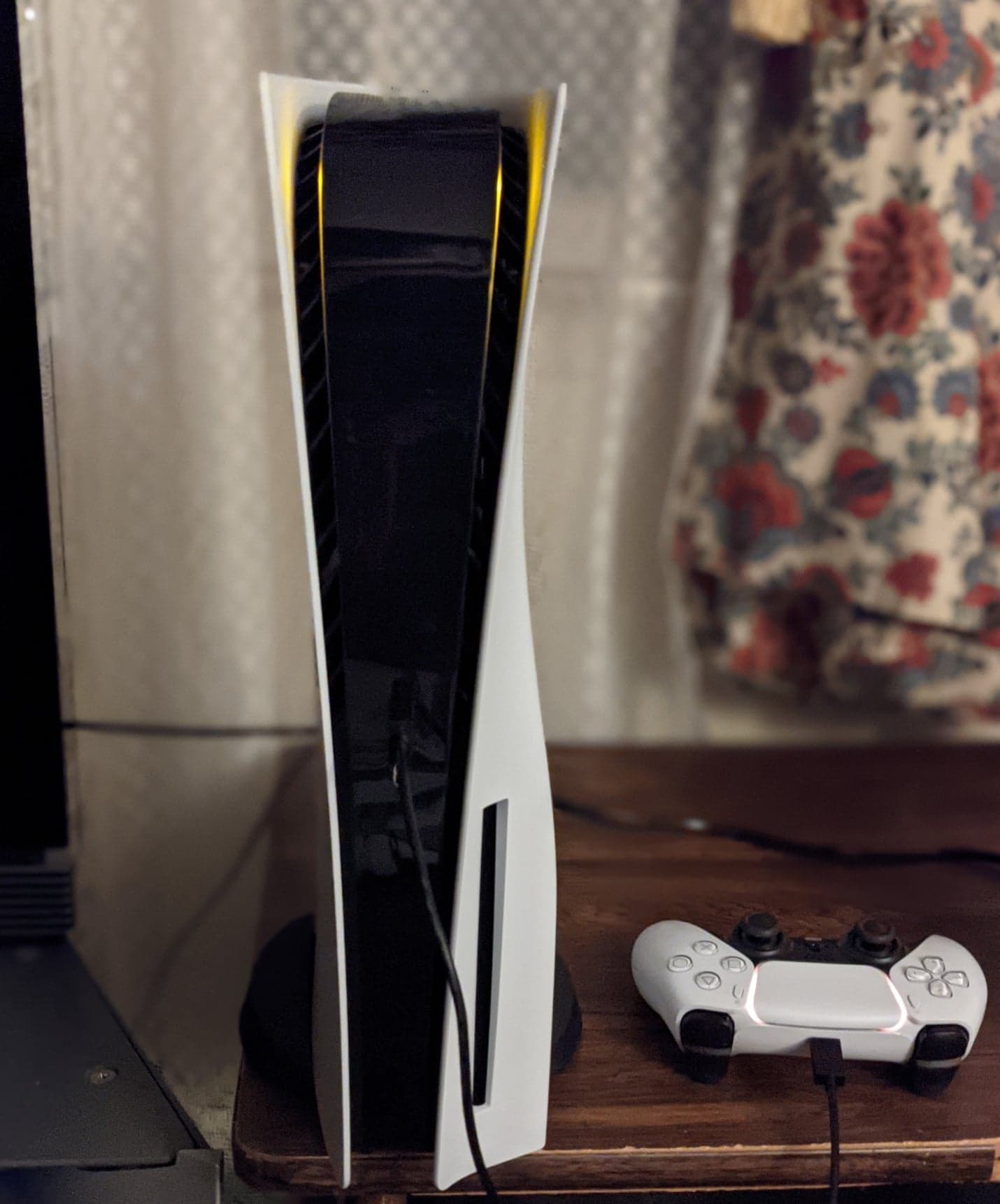
This applies identically to PS5 and PS5 Pro — there's no separate "PS5 Pro drive" requirement.
USB external storage is not the same thing
You can attach a USB drive, and it stores both PS4 and PS5 installs — but **PS4 games can be played directly from USB, PS5 games cannot.** To play a PS5 game on USB storage, you must transfer it back to internal storage first. USB is good for archiving games you're not playing; it is not a way to add playable PS5 game storage.
When NOT to spend money
Don't buy a Gen5 drive — you're paying for speed the console can't use. Don't buy an elaborate RGB heatsink; a basic aluminum one performs identically for load times.

Products covered
Sources
- PlayStation Supportprimary source
- PlayStationprimary source
Tech Carvalho does not publish hands-on test results. This piece is written from the sources above and from public documentation. See our editorial policy.