What AMD's 3D V-Cache (X3D) Chips Actually Do for Gaming
"X3D" on an AMD product name means the chip has extra L3 cache physically stacked onto the compute die. It's a real manufacturing difference with a specific…
"X3D" on an AMD product name means the chip has extra L3 cache physically stacked onto the compute die. It's a real manufacturing difference with a specific, narrow performance benefit.
Why cache matters
Modern CPUs spend a lot of time waiting, not computing. When a core needs data not already in its cache, it fetches from system RAM — extremely slow relative to a CPU's clock cycle. AMD's V-Cache bonds an extra slab of L3 cache onto the die (in the 9800X3D, positioned underneath the compute die for better heat dissipation than the first generation).
Why it matters specifically for games
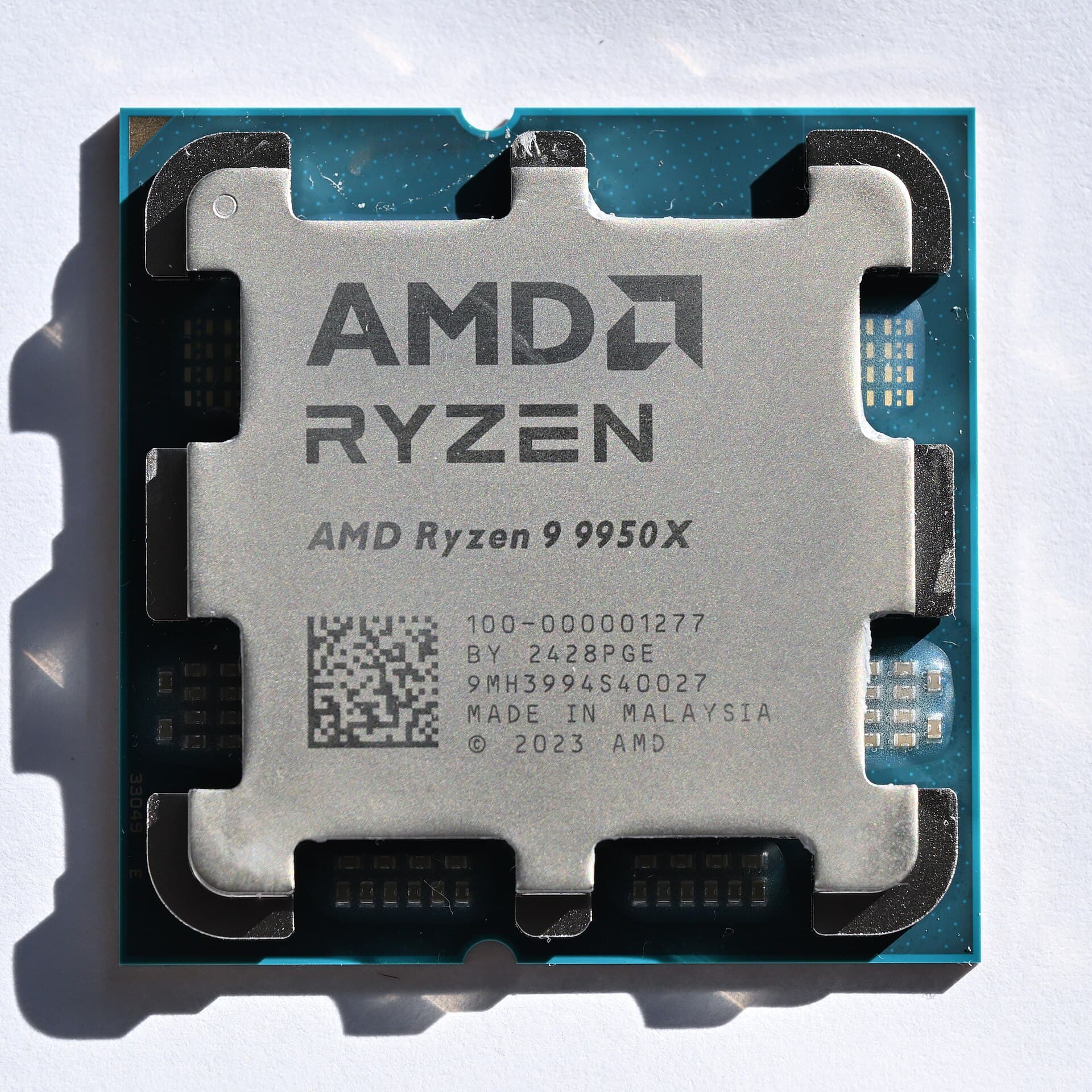
Games are workloads with unpredictable, branching memory access patterns. Video encoding, 3D rendering, and compiling are throughput-bound instead — they benefit far more from raw core count than cache size. That's why a $479, 8-core 9800X3D can match or beat a $649, 16-core 9950X in games, while losing badly in a render or export.
The trade-off
The 9800X3D clocks lower than a non-X3D chip typically would at a similar TDP, because the stacked cache creates thermal and power constraints. AMD is trading clock-speed headroom for cache size — a bet that pays off for latency-bound gaming workloads and doesn't for throughput-bound productivity ones.
Practical guidance
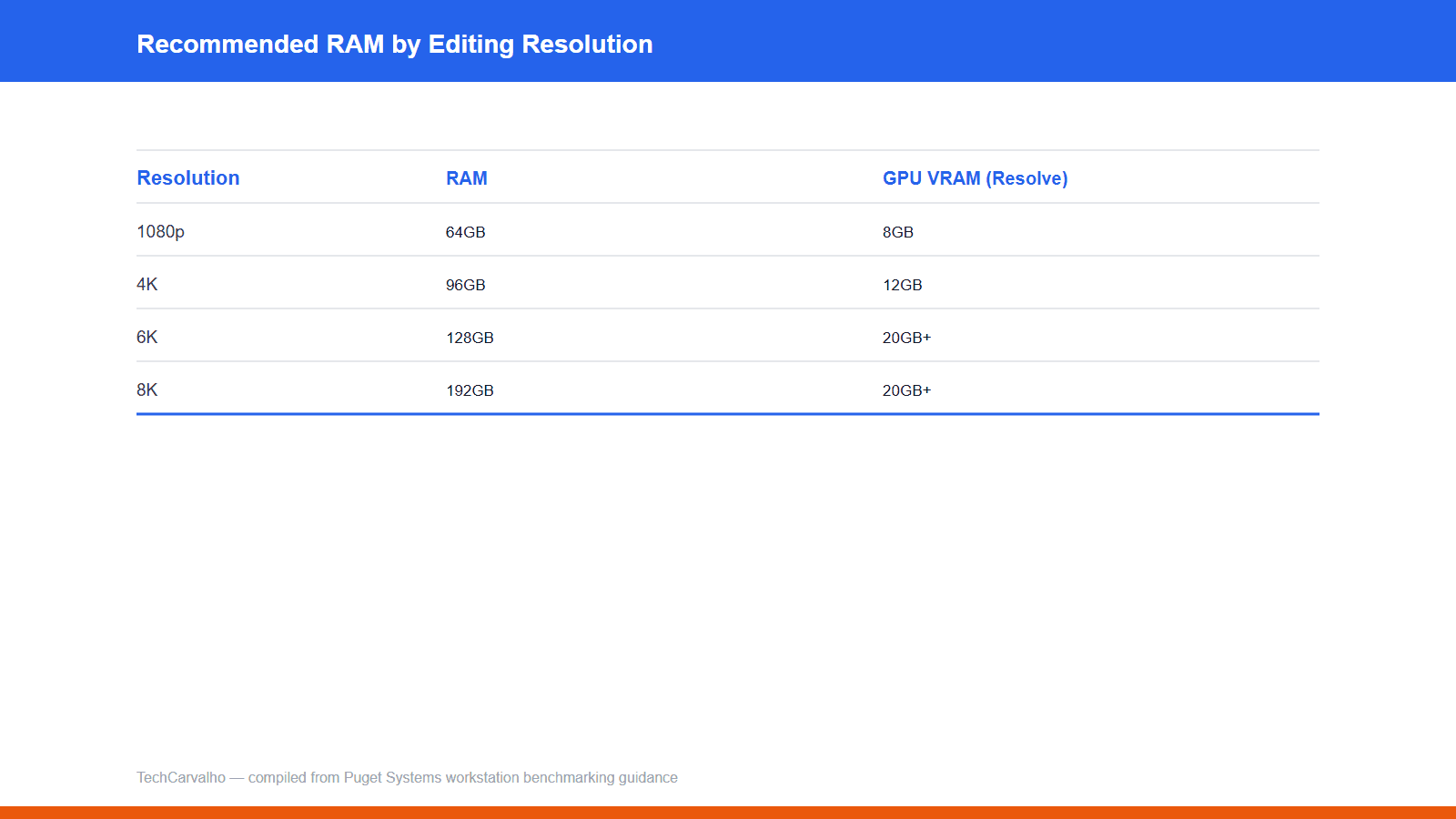
If a listing says "X3D" and you're building for gaming, the premium is usually justified. If you're building for productivity, it's largely wasted money — put that budget toward more cores or RAM instead. Avoid promising a specific "X% faster" number — the real-world gap is extremely game-dependent.
Products covered
Sources
Tech Carvalho does not publish hands-on test results. This piece is written from the sources above and from public documentation. See our editorial policy.