PC Building Basics: What You Actually Need Before Your First Build
A first PC build has eight non-negotiable parts: CPU, motherboard, RAM, storage, GPU, PSU, case, and a cooler. Everything else is optional polish. Here's the…
A first PC build has eight non-negotiable parts: CPU, motherboard, RAM, storage, GPU, PSU, case, and a cooler. Everything else is optional polish. Here's the order that actually matters and where beginners overspend.
1. Pick the CPU and motherboard together
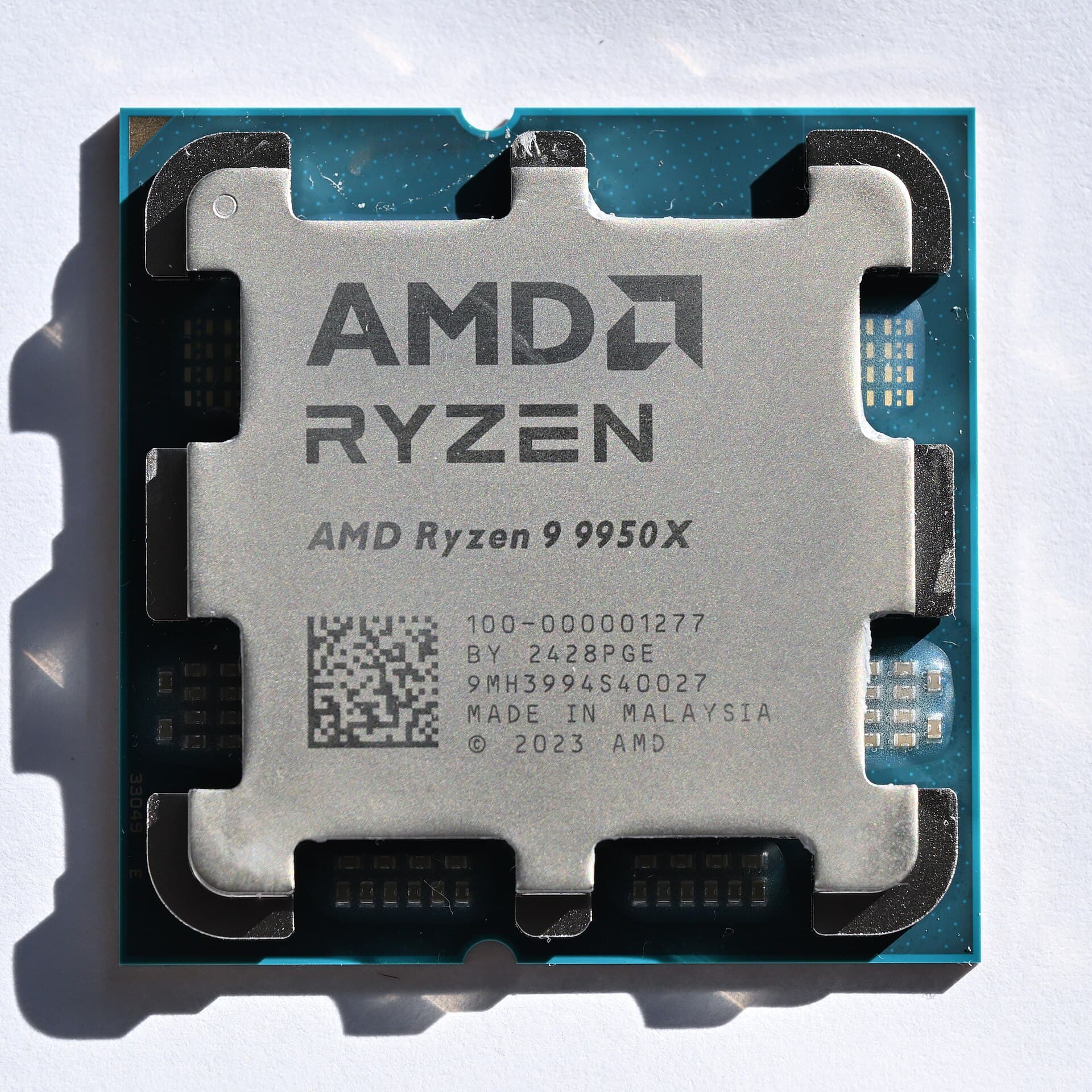
They're not independent choices. AMD's Ryzen 7 9800X3D and Ryzen 9 9950X both use the **AM5 socket**, supported across chipsets from budget B650 boards up to flagship X870E. Intel's Core Ultra 9 285K uses the newer **LGA1851 socket on 800-series chipsets**, not backward-compatible with any older Intel board. This is the single most common beginner mistake: buying a CPU and motherboard from the same brand but the wrong socket generation.
2. RAM: DDR5 is standard on both current platforms
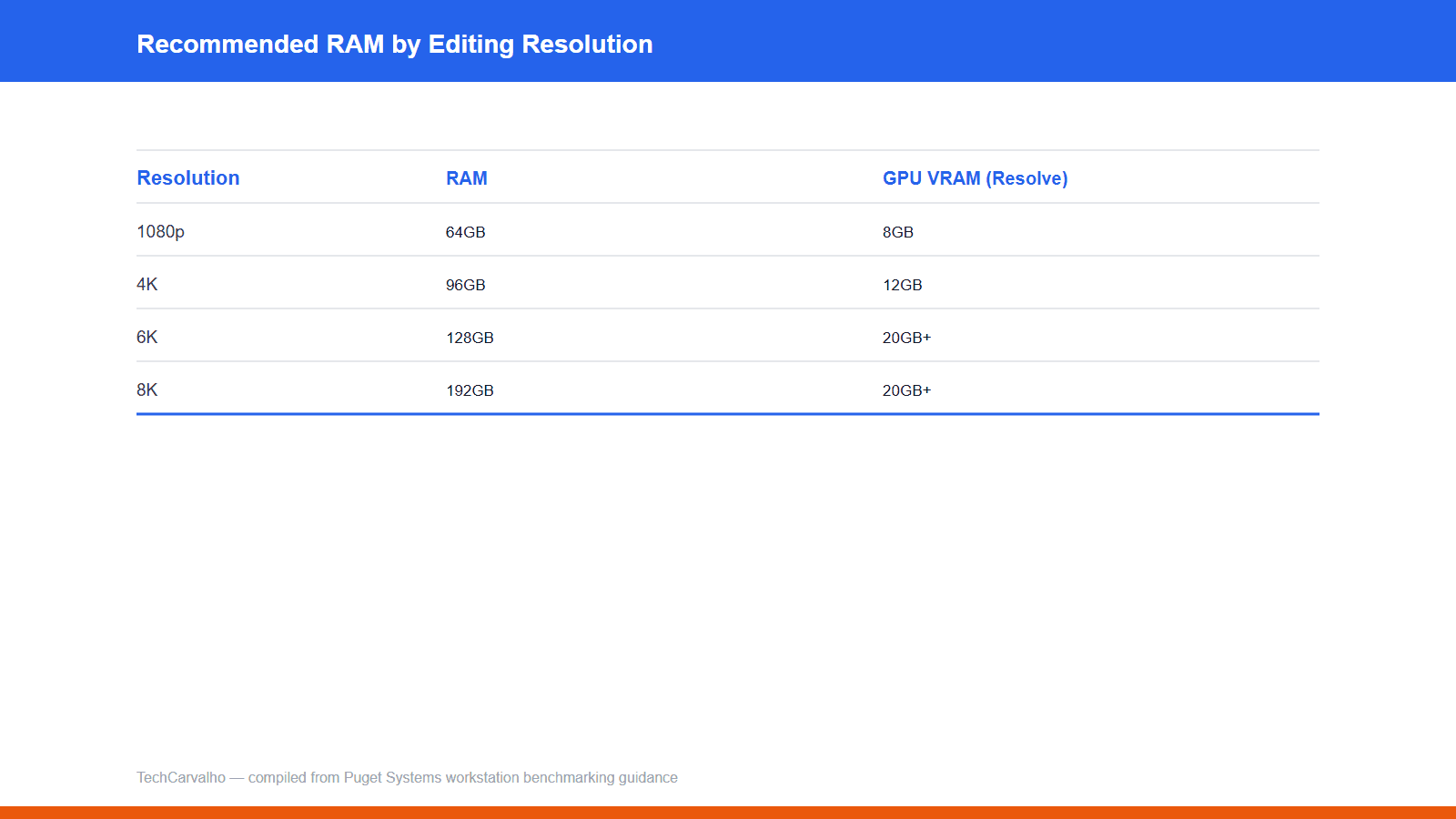
32GB (2x16GB) is the realistic sweet spot; 16GB is workable but tight. Don't chase RAM speeds beyond what your motherboard's qualified vendor list actually supports — you're paying for speed the board won't run.
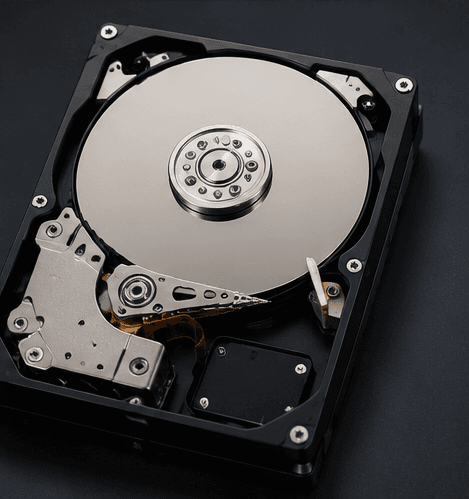
3. Storage: NVMe, not SATA, for your boot drive
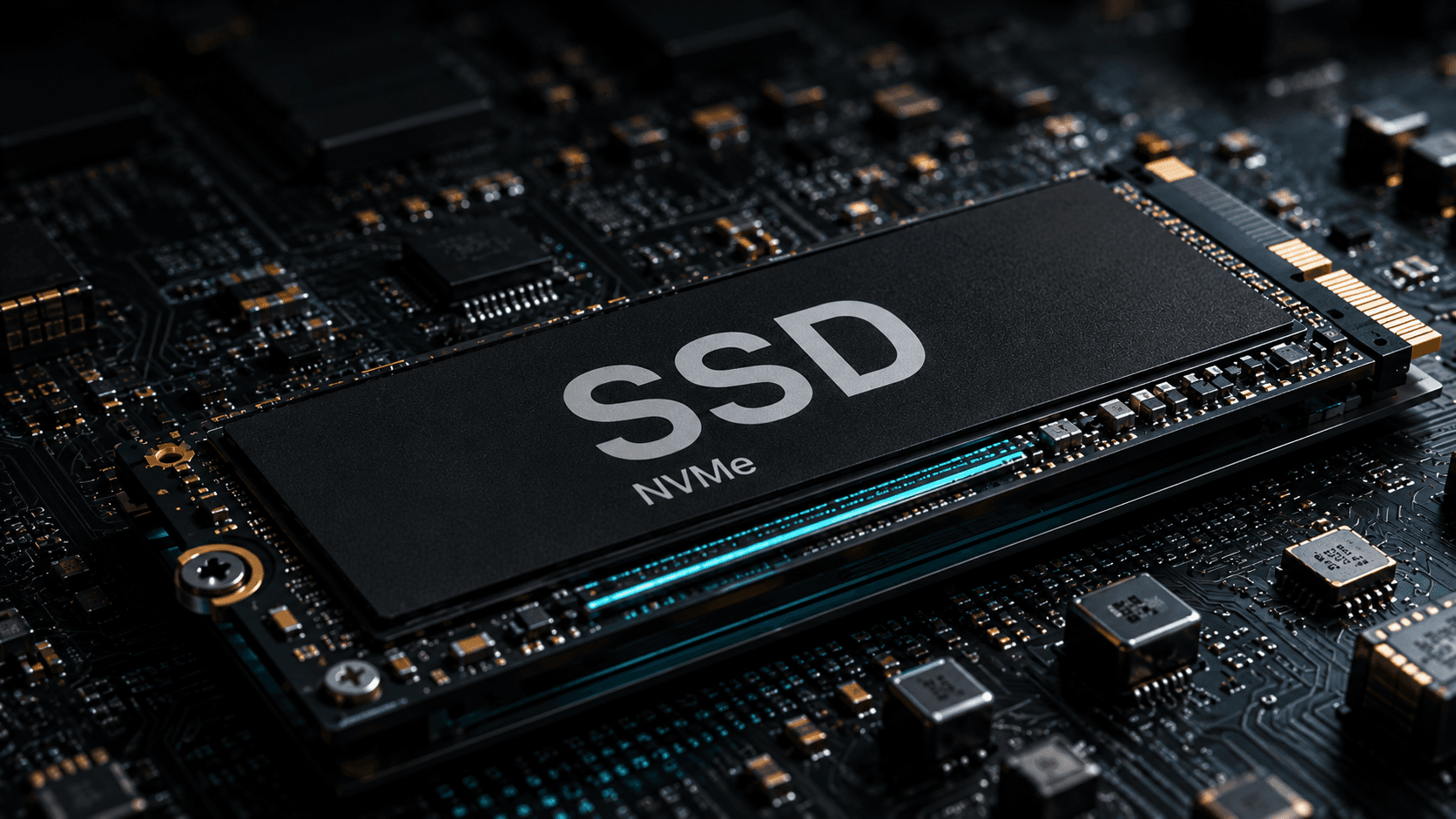
A PCIe Gen4 NVMe SSD (1-2TB) is the current baseline. Don't pay extra for a PCIe Gen5 drive unless your motherboard has a Gen5 M.2 slot and a workload that saturates Gen4.
4. GPU: match it to your monitor, not your budget ceiling
At 1080p or 1440p, you'll bottleneck on your monitor before the GPU is the limit. Buy for the display you own, not the one you might buy someday.
5. PSU: size it to the GPU, not a round number
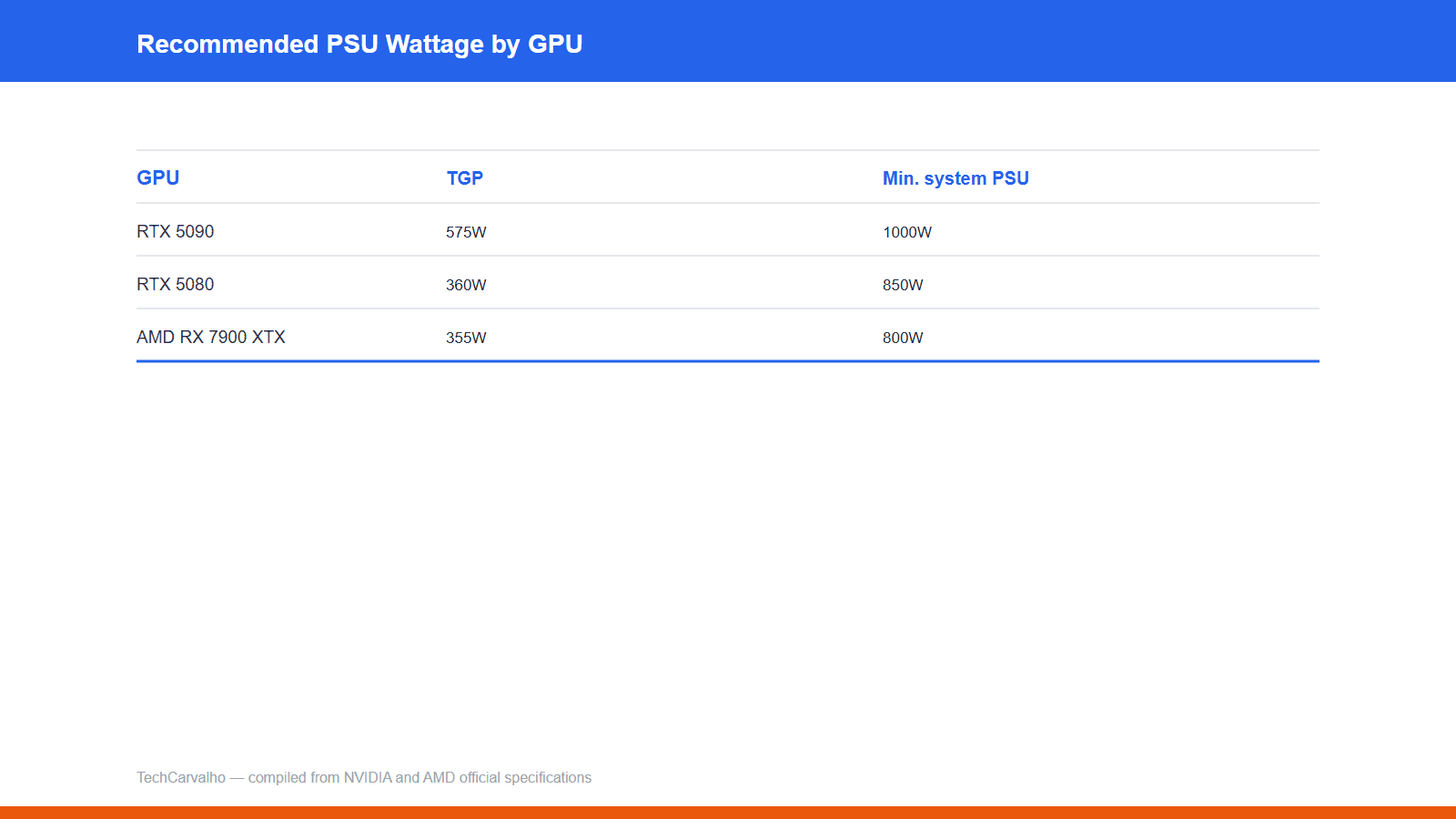
Check the card's actual official minimum, not a generic "750W is always enough" rule. An RTX 5090 needs a very different PSU than an RX 7900 XTX.
6. Cooler: don't over-buy
The 9800X3D runs cooler than the 9950X or 285K because of its lower power ceiling — a good air cooler is genuinely sufficient. The higher-power chips benefit more from a 240mm+ AIO.
7. Case: airflow over looks
Two or three intake fans, one exhaust, and clearance for your GPU's length (the 5090 and 5080 are both roughly 304mm) is the actual requirement.
8. Tools
A magnetic Phillips-head screwdriver and a flat, static-safe surface. You don't need a professional toolkit.
Where not to spend
Skip the top-tier motherboard unless you're overclocking; skip RAM speeds your board doesn't support; skip a Gen5 SSD without a Gen5 slot; skip an oversized AIO on a 9800X3D.
Products covered
Sources
- NVIDIAprimary source
- Tom's Hardware
Tech Carvalho does not publish hands-on test results. This piece is written from the sources above and from public documentation. See our editorial policy.
More in this guide series
2 pieces that build on this one.